mkdir
So far, we have learnt how to work with files. mkdir allows you to create a folder and like the touch command, you can pass one or multiple folder name arguments.
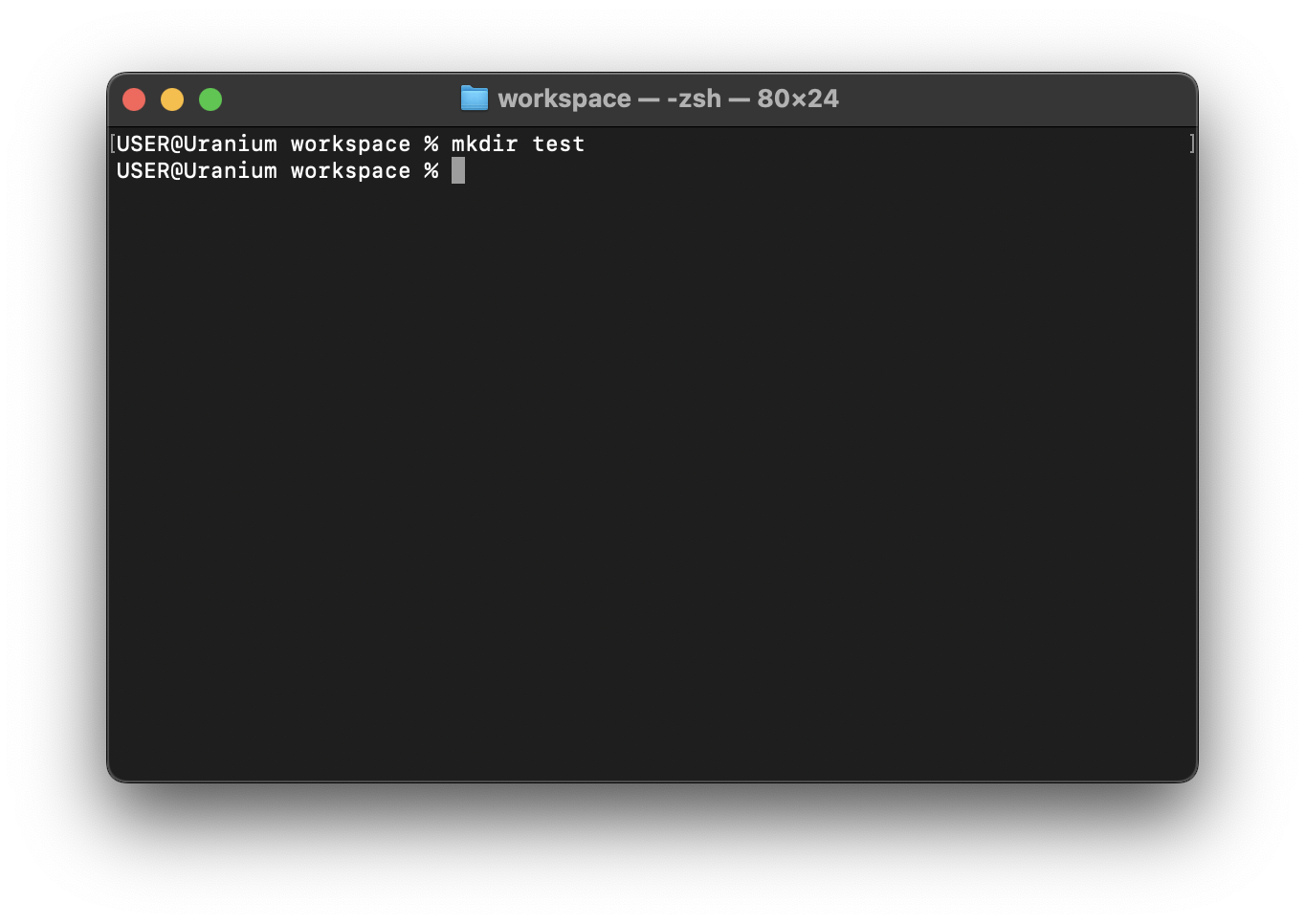
To create a single folder, add a space after mkdir and then pass the intended name of the folder.
mkdir test
Creating multiple folders
You can create multiple folders by separating the folder name arguments with space.
{{#tabs }} {{#tab name="Unix" }}
mkdir first_folder second_folder third_folder
{{#endtab }}
{{#tab name="Powershell" }}
mkdir first_folder, second_folder, third_folder
{{#endtab }}
{{#tab name="Linux/WSL" }}
mkdir first_folder second_folder third_folder
{{#endtab }} {{#endtabs }}
Afterwards, you can use the ls command to list the newly created files.
Nested folders
Consider the following folder structure, where the parent_directory contains a root_directory which in turn holds a sub_directory and another_sub_directory.
|
--parent_directory
|
----root_directory
|
--------sub_directory
|
--------another_sub_directory
|
To nest a directory nested_dir inside the sub_directory from the parent directory, do this:
mkdir ./root_directory/sub_directory/nested_dir
Voila!