touch
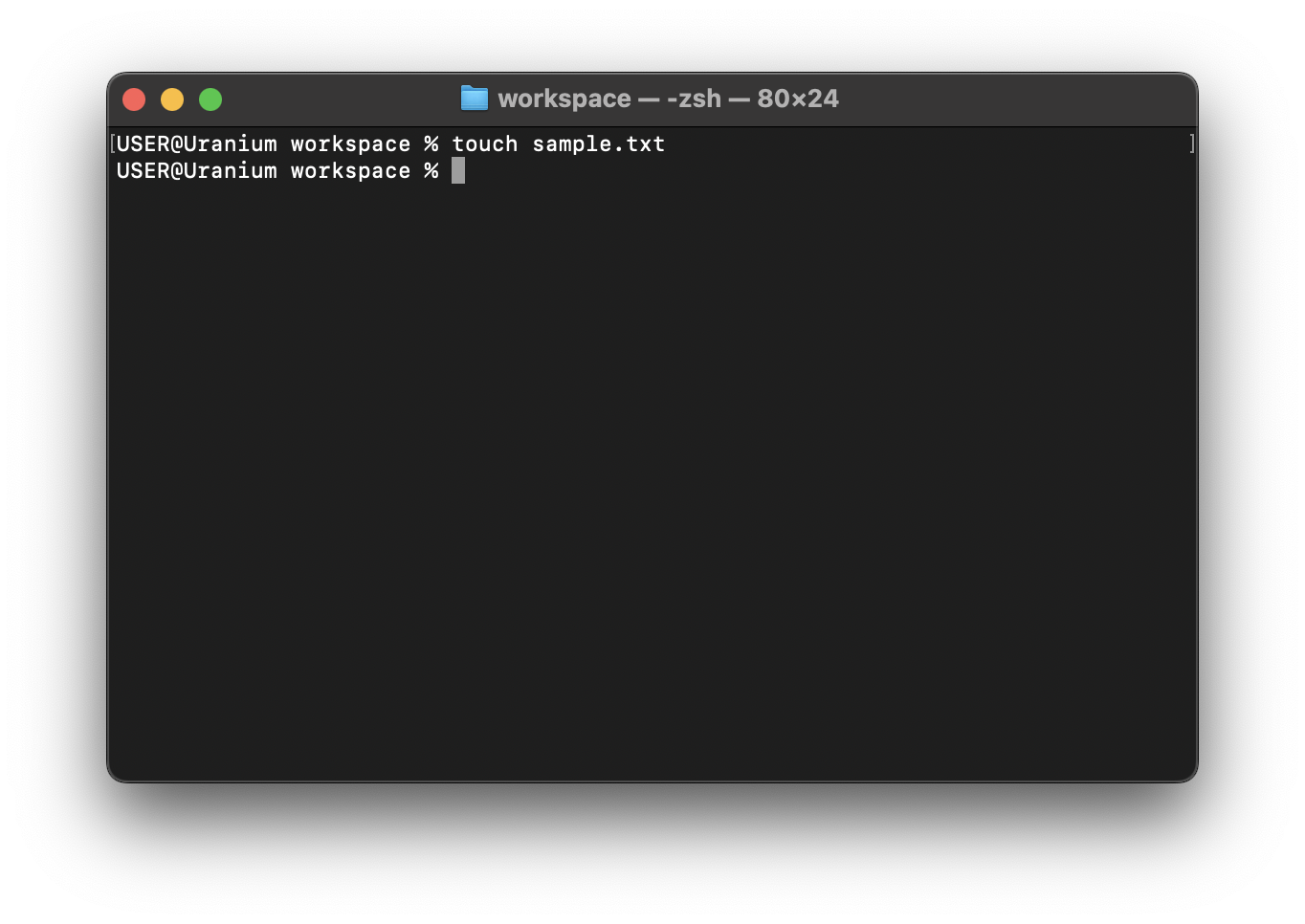
The touch command is used to create files. To create files in the current folder, provide the file name and file extension.
Let's create a sample.txt file.
{{#tabs }} {{#tab name="macOS" }}
touch sample.txt
{{#endtab }}
{{#tab name="Powershell" }}
code sample.txt
{{#endtab }}
{{#tab name="Linux or WSL" }}
touch sample.txt
{{#endtab }} {{#endtabs }}
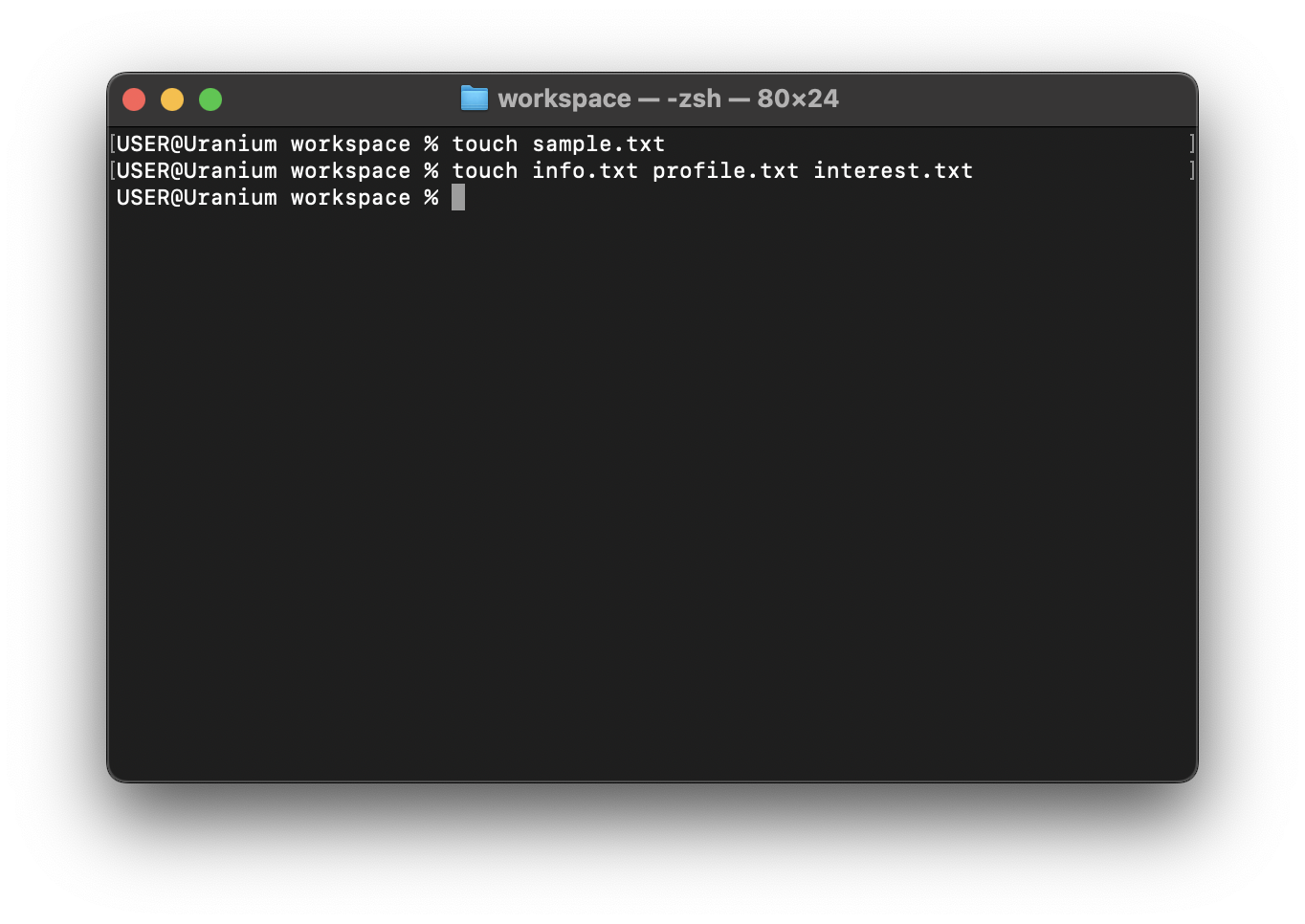
To create multiple files, add a space between the file names. Add a comma and a space for Windows.
{{#tabs }} {{#tab name="macOS" }}
touch info.txt profile.txt interest.txt
{{#endtab }}
{{#tab name="Powershell" }}
code info.txt, profile.txt, interest.txt
{{#endtab }}
{{#tab name="Linux or WSL" }}
touch info.txt profile.txt interest.txt
{{#endtab }} {{#endtabs }}