stdin, stdout, stderr
Computers use three built-in channels — called streams — to handle input, output, and errors. These are stdin, stdout, and stderr. They are not commands; they are concepts that describe how data flows in and out of a program.
Think of it like a conversation:
- You speak → that's input
- The other person replies → that's output
- They tell you something went wrong → that's an error
stdin (standard input) is how a program receives data. Most often, this is your keyboard — when you type in the terminal, that text is sent to the program as stdin.
stdout (standard output) is how a program sends its results back to you. When a command prints something to the terminal (like echo printing a word), that output is stdout.
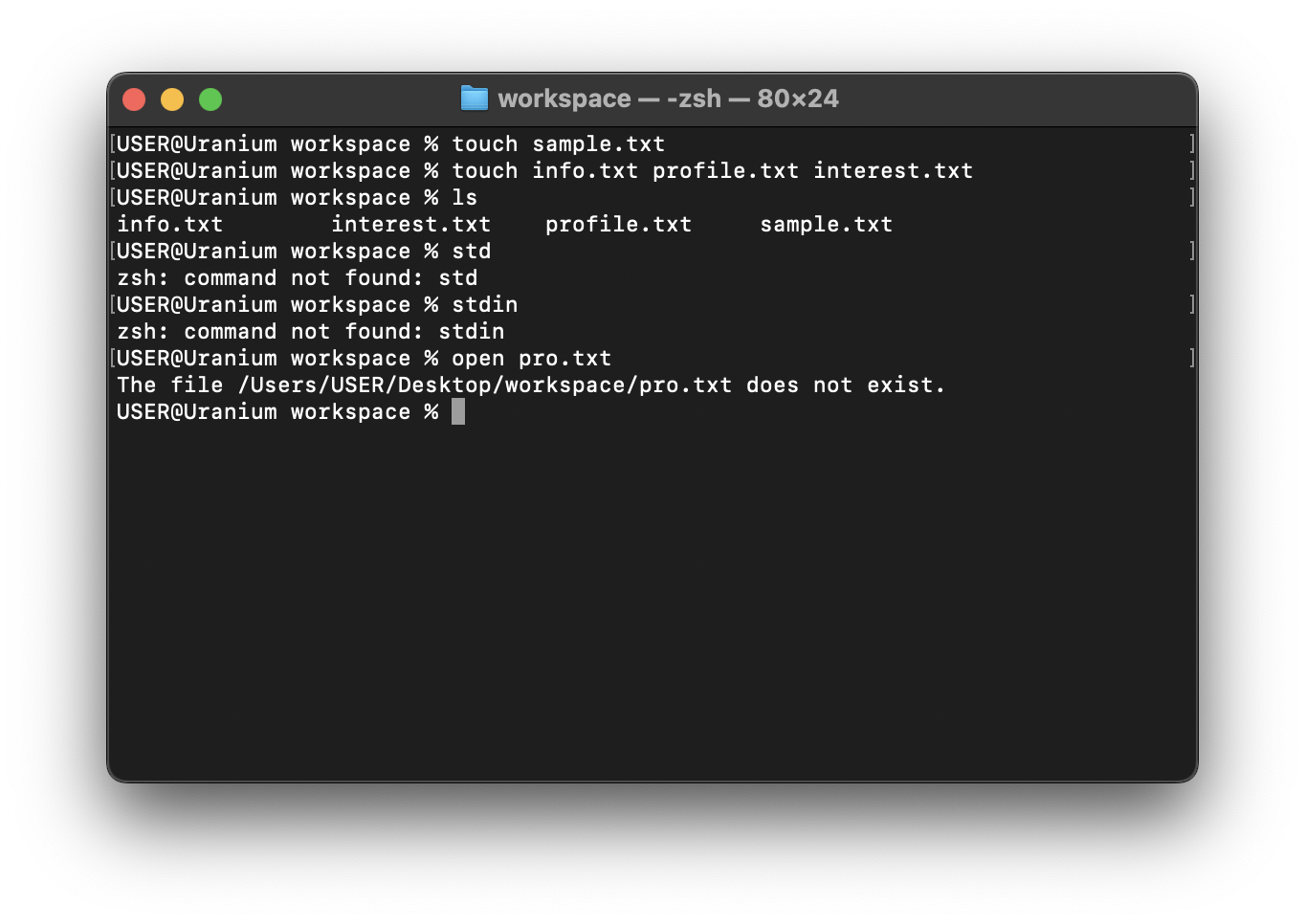
stderr (standard error) is a separate channel used exclusively for error messages. For example, if you try to open a file that does not exist, the error message you see is sent through stderr — not stdout.